A travel diary that can log itself
Live the day. Tripski can suggest the places you actually stopped — then you add photos, videos, and notes on the same trip.

What “automatic” actually means
A travel journal you have to fill in at midnight does not get filled in. Tripski’s diary is built around optional detection, not forced logging. In Settings → Automated Detection you can turn on passive location tracking. With that enabled, Tripski can notice when you linger somewhere and suggest adding it as an experience on your active trip.
Trip Detection watches when you leave home (using your Home Location) and can suggest starting a new trip. Experience Tracking suggests individual stops. Every suggestion stays pending until you confirm or dismiss it. Nothing is added silently. Pending suggestions expire after a few days if you do not act on them.
You can disable passive tracking, trip detection, or experience suggestions independently without deleting your account. Background location requires system “Always” access on iOS. If you never turn it on, you can still create trips and memories by hand.
Memories on the trip, not in a camera roll pile
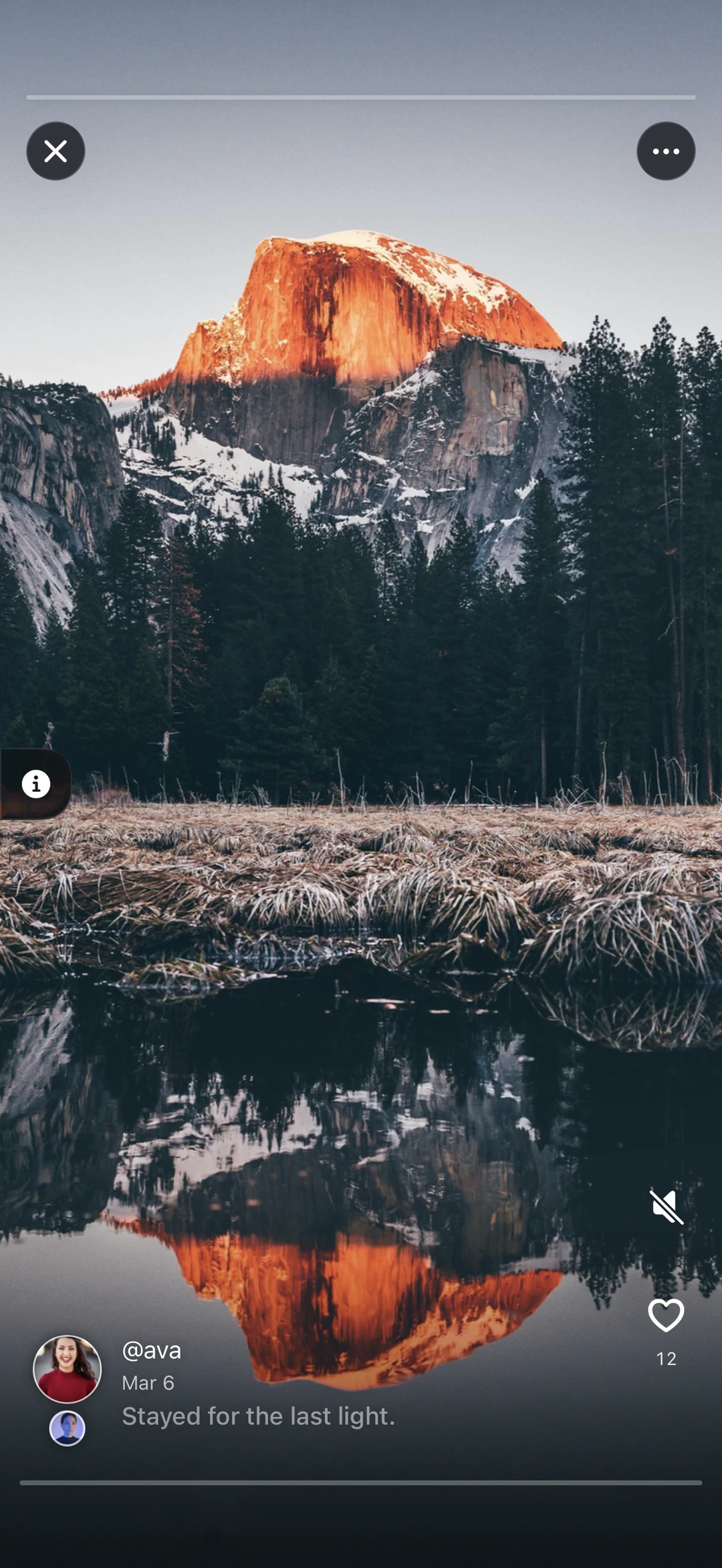
Memories are photos, videos, or text posts attached to a trip or a specific experience. You set each memory to public, followers-only, or private. Memories support captions, location, and tagging other travelers. Other people can like and save public memories in the feed.
Free accounts can upload videos up to 8 seconds; longer clips need Premium. Batch import pulls photos from your library, clusters them by time and place, and attaches them to the right trip or experience. Free accounts can import up to 10 photos per trip in one batch; Premium removes that cap. Each experience supports up to 9 photos regardless of plan.
Activity, recap, and sharing
If you grant permission, Tripski reads step count, walking distance, calories, and floors climbed from Apple Health. Stats roll up per day inside each trip. On a shared trip you can compare activity with travelers who also share health. When you share a trip, showing distance walked and an activity score is optional — both are toggles, not defaults you cannot turn off.
After the trip, you can replay the route as a cinematic flyover with your photos and stats. Each trip has visibility: Public (anyone with the link), Followers, or Private. Recipients without the app see a web preview; the full trip opens in the app after install.
Next to the planner and the bill
The diary is not a separate product. The same trip holds the AI itinerary, confirmed stops, memories, and split expenses. In some destinations you can walk a guided tour and keep those stops on the same timeline.
Tripski is free on iPhone and iPad. Use it as a manual journal, or turn on detection so the diary keeps up while you are busy traveling. Details on privacy and deletion are in the FAQ and Privacy Policy.
Get Tripski
Free on iPhone and iPad. Premium is optional and billed through the App Store.