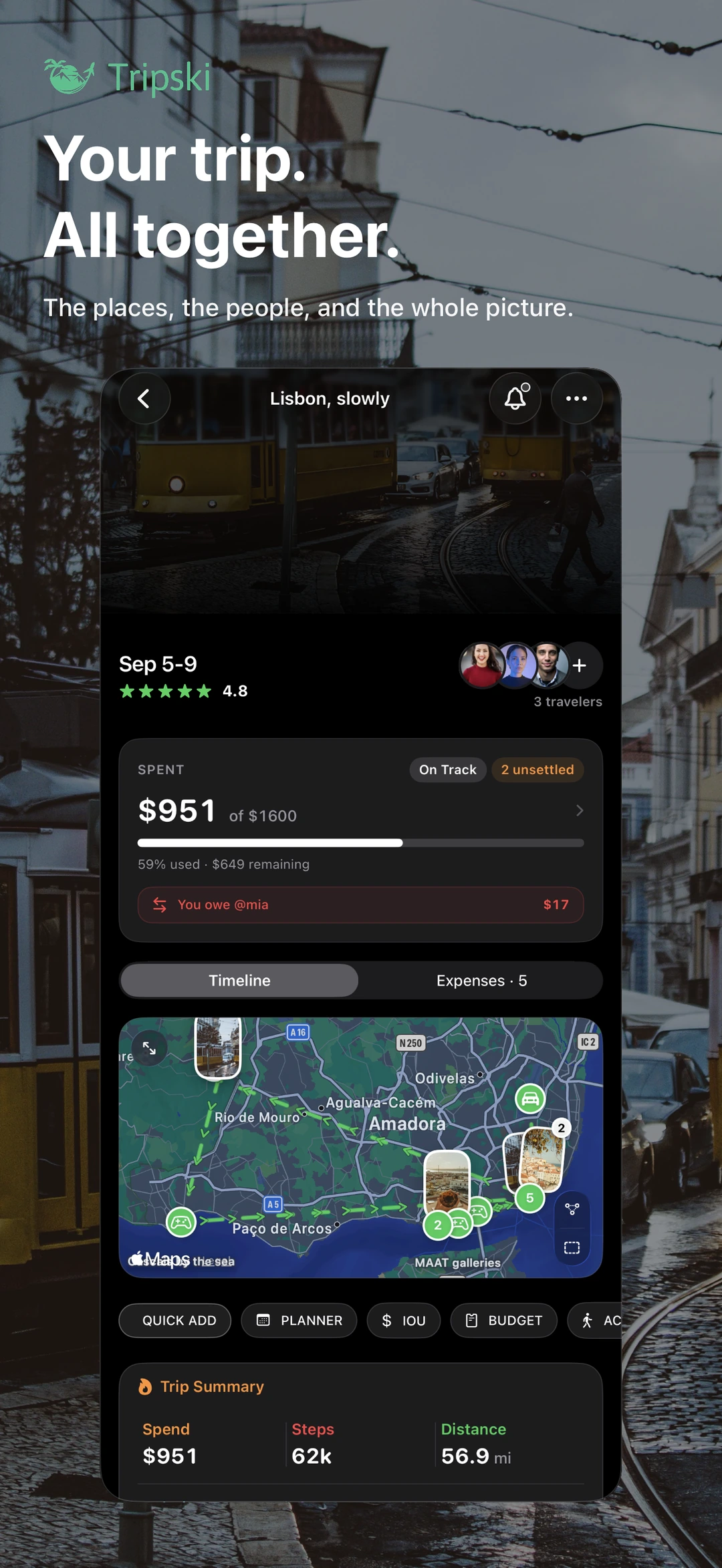
Guided walking tours in your trip app
Follow a step-by-step route with stops in destinations Tripski covers — without switching to a separate tour app.
Tours you walk in the same app as the trip
A walking tour you download as a PDF dies in your files app. Tripski’s walking tours are meant to be walked: a route with ordered stops you follow in the app, with audio where the tour includes it. You stay on the trip you already created — the same timeline as reservations, memories, and expenses.
Open Walking Tours from the app menu to see what is near you. Availability depends on region. We do not list every city in the world, and we will not pretend a tour exists where it does not. If nothing is offered for your destination, the rest of Tripski still works: plan the days, log the stops, keep the diary.
How a tour fits the day
Use a walking tour as the spine of a morning, then let the rest of the day be yours. Stops are places, not a script you fail if you skip lunch. You can leave the route, eat, and come back. The tour is a guided walk, not a lock on your itinerary.
Because the tour lives in Tripski, you can attach photos and notes as memories on the trip, and you can split a café stop with the people who actually sat down. If you generated a day-by-day plan with the AI trip planner, the tour is one more thing you can keep, move, or drop — the same way you edit any other planner item.
What you should expect
Expect a guided walk with stops, not a live human guide and not an unlimited catalog of every neighborhood on earth. Coverage grows with destinations we have actually built. Nearby availability can also take your trip dates and places into account; you may get a heads-up when a tour is ready in a city you are visiting, including quiet hours so we are not pinging you at 2 a.m.
Walking tours are part of the same iPhone and iPad app. There is no separate “tours SKU.” Download Tripski, open Walking Tours, and see whether your destination is covered. If it is, walk it. If it is not, use the planner and the diary — that is still the product.
Privacy and detection
Following a route uses location while you walk, the same way maps do. Separate from tours, optional Automated Detection can suggest other places you lingered at on the trip. Detection is off until you turn it on, suggestions stay pending until you confirm them, and you can disable it without deleting your account. Read the FAQ and Privacy Policy for the full location and data picture.
Get Tripski free on iPhone and iPad. Walk a tour where we have one. Keep the rest of the trip — plan, diary, and split bills — in the same place either way.
Get Tripski
Free on iPhone and iPad. Premium is optional and billed through the App Store.